

This documentation is for Stitch.js (v4) SDK, which is now the recommended version for integrating Fasten Connect into your application.
If you need access to the previous versions, please see v1 documentation or v3 documentation.This version includes compatibility with additional runtime environments (Web, React Native, React etc), improved performance, and additional features.v4 is backwards compatible with v3 — there are no breaking changes to the public API, but we have made significant improvements to the underlying codebase and architecture. If you are currently using v3, you can upgrade to v4 without making any changes to your code.The v1 Web Component and v3 Web Component are in maintenance mode and will no longer receive updates (outside of security fixes).
Please update your code to use the new version.
string
required
This must be your API public ID. You can find it in your Fasten Connect Portal.
string
(Optional) An opaque identifier used to identify the patient in your system. This value will be returned in the response.
string
(Optional) The patient’s email address. When provided, Fasten Connect prepopulates email fields in the TEFCA mode page, support request form, and health system request form. The patient can edit the prepopulated value before submitting a form.
string
(Optional) Useful when the patient connection credentials are invalid due to expiration or revocation. Providing this
reconnectOrgConnectionId allows Fasten to reauthenticate the patient and store their new credentials.
Reconnect When provided, the Stitch component will skip the search step and go directly to the reauthentication step for the specified organization connection.string
(Optional) Pre-select a specific brand.
string
(Optional) Pre-select a specific portal.
string
(Optional) Pre-select a specific endpoint.
string
(Optional) Prepopulate the search box with a query.
string
(Optional) Sort search results by a specific field.
string
(Optional) JSON-encoded sort options for
searchSortBy. The SDK automatically Base64URL-encodes this value before sending it to Stitch.boolean
(Optional) Show a splash page that introduces Fasten Connect and displays your privacy policy and terms to the patient before they begin the connection process. Defaults to
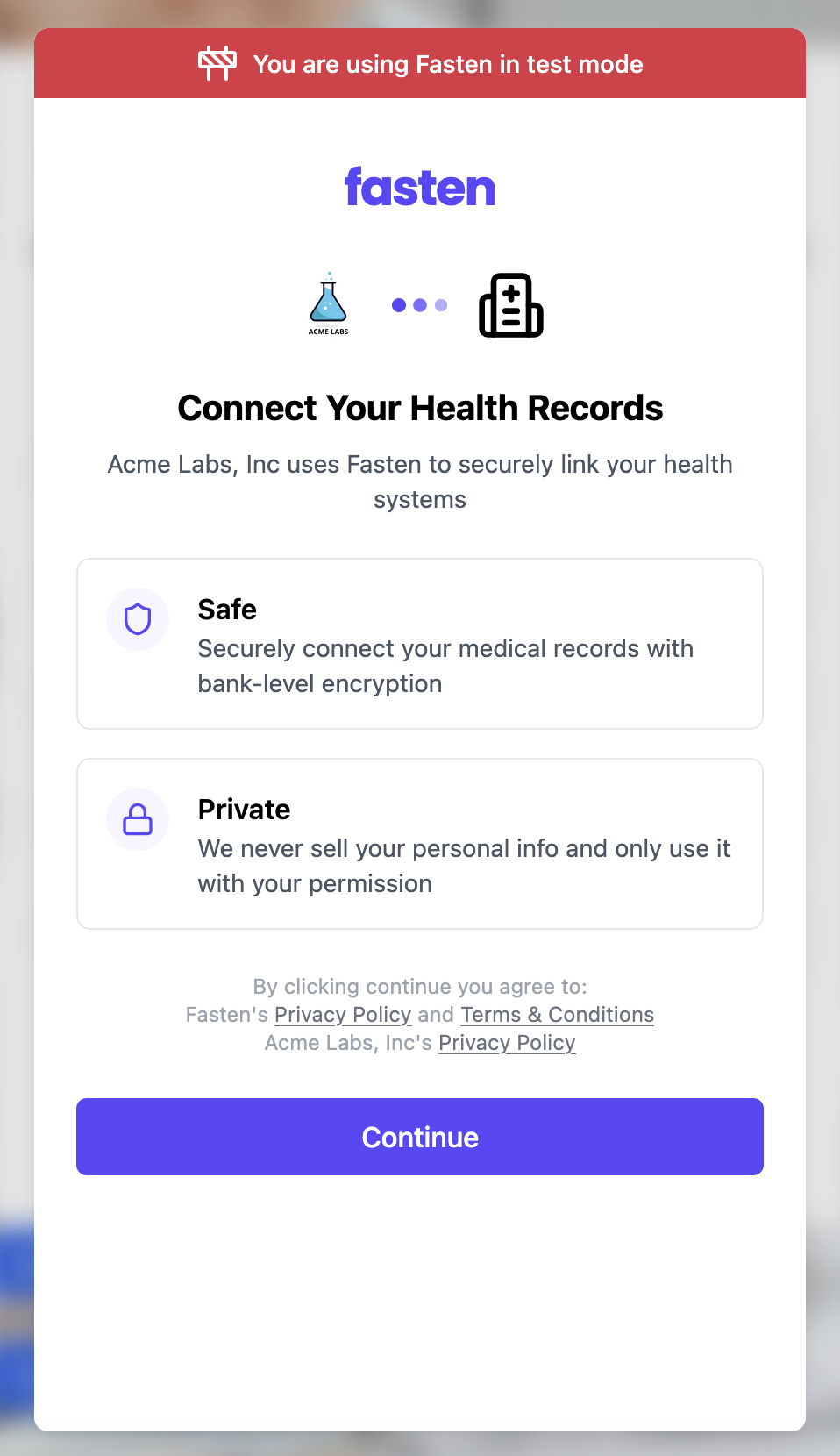
false.Show example
Show example
boolean
(Optional) If set to
true, the Stitch component will operate in TEFCA IAS mode, which is a streamlined experience designed to simplify medical record collection.
In this mode, the patient will be able to verify their identity and pull medical records from healthcare institutions that participate in the TEFCA network, with minimal friction.
See the TEFCA IAS documentation for more information on this experience and its benefits. Defaults to false.string
(Optional) By default the following standard events are always emitted:
patient.connection_pendingpatient.connection_successpatient.connection_failedwidget.complete
eventTypes to a comma-separated list of event types.search.query: This event is emitted when the patient searches for a healthcare institution in the Fasten Connect catalog.
boolean
(Optional) If set to
true, the modal will not close when the patient clicks outside of the dialog. Defaults to false.string
(Optional) Text for the default trigger button. Ignored when
children is provided. Defaults to Share Records.string
(Optional) Custom class name for the trigger button. When supplied, the SDK does not apply default button styles unless you also pass
buttonStyle.React.CSSProperties
(Optional) Custom inline styles for the trigger button.
string
(Optional) Custom class name for the
<dialog/> element. When supplied, the SDK does not apply default dialog styles unless you also pass dialogStyle.React.CSSProperties
(Optional) Custom inline styles for the
<dialog/> element.string
(Optional) Custom class name for the
<iframe/> element. When supplied, the SDK does not apply default iframe styles unless you also pass iframeStyle.React.CSSProperties
(Optional) Custom inline styles for the
<iframe/> element.React.ReactNode
(Optional) Custom trigger UI rendered instead of the default button.
Events
The Stitch React SDK emits client-side events through theonEventBus callback. The callback receives the raw browser MessageEvent sent by the embedded widget.
Javascript API
UseFastenStitchElementHandle when you need to open or close the modal programmatically.
() => void
Opens the connect modal and loads the embedded Stitch widget.
() => void
Closes the connect modal and resets the iframe source.
Styling
The SDK includes default styles for the trigger button, modal dialog, iframe, focus states, hover states, and dialog backdrop. You can customize these with class name or inline style props.The React SDK renders a trigger element, a native
<dialog/>, and an <iframe/>. You can style the trigger, dialog, and iframe, but you will not be able to style content within the iframe.