
Documentation Index

Fetch the complete documentation index at: https://docs.connect.fastenhealth.com/llms.txt

Use this file to discover all available pages before exploring further.

This documentation is for Stitch.js (v4) SDK, which is now the recommended version for integrating Fasten Connect into your application. If you need access to the previous versions, please see v1 documentation or v3 documentation.This version includes compatibility with additional runtime environments (Web, React Native, React etc), improved performance, and additional features.v4 is backwards compatible with v3 — there are no breaking changes to the public API, but we have made significant improvements to the underlying codebase and architecture. If you are currently using v3, you can upgrade to v4 without making any changes to your code.The v1 Web Component and v3 Web Component are in maintenance mode and will no longer receive updates (outside of security fixes). Please update your code to use the new version.
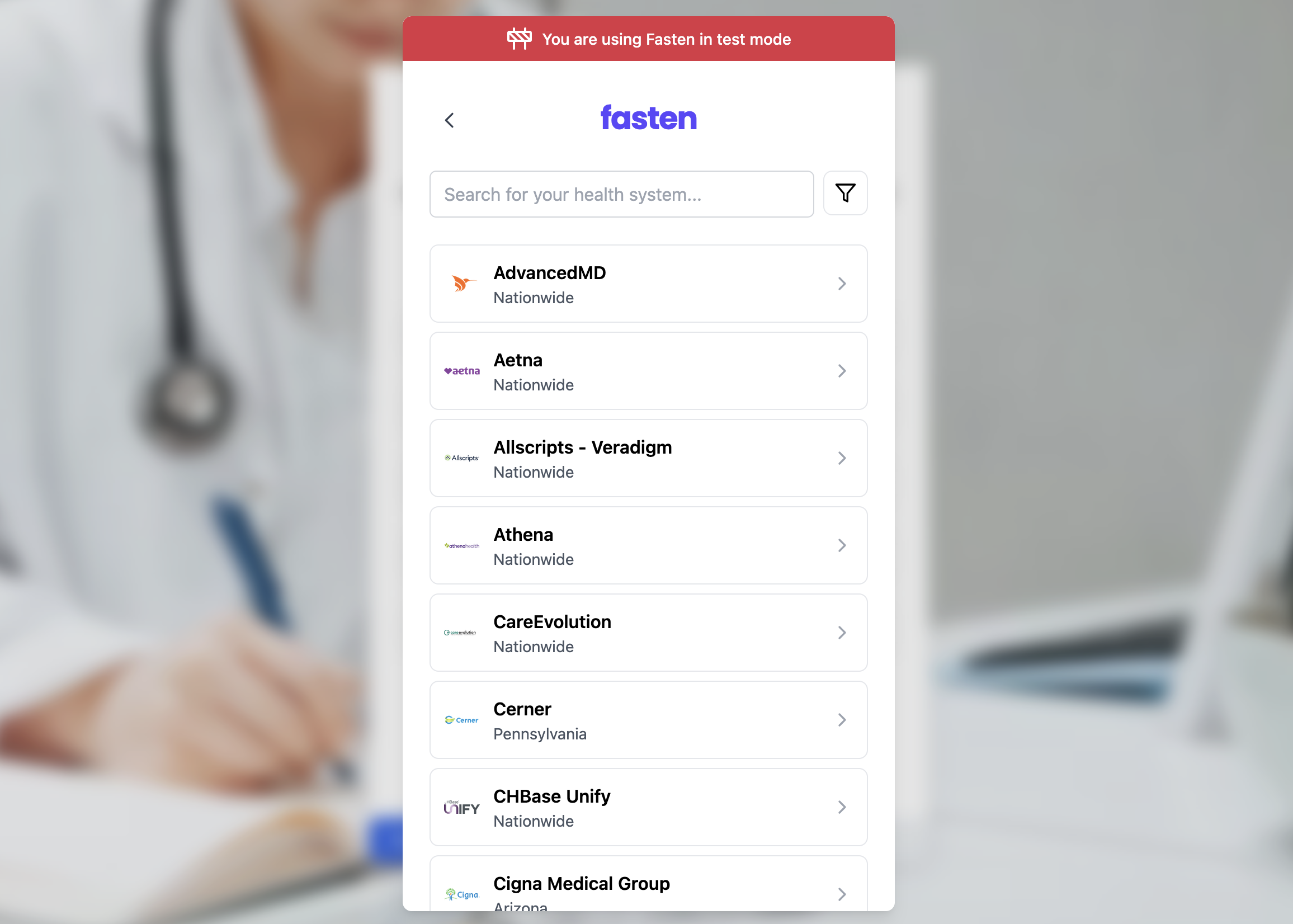
Beta The React SDK renders a trigger button that opens the Fasten Connect widget in a modal dialog. It is designed for React web applications that want typed props, React refs, and component-level styling instead of using the Web Component directly.

Installation

# npm
npm install @fastenhealth/fasten-stitch-element-react

# yarn
yarn add @fastenhealth/fasten-stitch-element-react
React 18 or later is required as a peer dependency.

Basic usage

Render FastenStitchElement anywhere you want the patient to start a connection flow. The default trigger button opens the Stitch modal and the onEventBus callback receives the raw browser MessageEvent from the embedded widget.
import { FastenStitchElement } from '@fastenhealth/fasten-stitch-element-react';

const CUSTOMER_PUBLIC_ID = 'public_test_...';

export function ConnectRecords() {
  return (
    <FastenStitchElement
      publicId={CUSTOMER_PUBLIC_ID}
      externalId="user_12345"
      onEventBus={(event) => {
        const payload = JSON.parse(event.data);
        console.log('Fasten event', payload);
      }}
    />
  );
}

Custom trigger

Pass children when you want to use your own button or link as the trigger. The SDK wraps the children in a clickable element and still owns the modal lifecycle.
import { FastenStitchElement } from '@fastenhealth/fasten-stitch-element-react';

export function ConnectRecords() {
  return (
    <FastenStitchElement publicId="public_test_...">
      <button type="button" className="primary">
        Connect health records
      </button>
    </FastenStitchElement>
  );
}

Programmatic control

The component exposes show() and hide() through a React ref.
import { useRef } from 'react';
import {
  FastenStitchElement,
  type FastenStitchElementHandle,
} from '@fastenhealth/fasten-stitch-element-react';

export function ConnectRecords() {
  const stitchRef = useRef<FastenStitchElementHandle>(null);

  return (
    <>
      <button type="button" onClick={() => stitchRef.current?.show()}>
        Start connection
      </button>

      <FastenStitchElement
        ref={stitchRef}
        publicId="public_test_..."
        buttonStyle={{ display: 'none' }}
      />
    </>
  );
}

Basic usage (TEFCA Mode)

TEFCA IAS Developer Guide

When TEFCA mode is enabled, developers can access medical records without requiring the patient to search for their healthcare providers, or login to multiple portal logins.Instead the patient is prompted to verify their identity and Fasten Connect will automatically retrieve their medical records from any healthcare institution that participates in the TEFCA network.
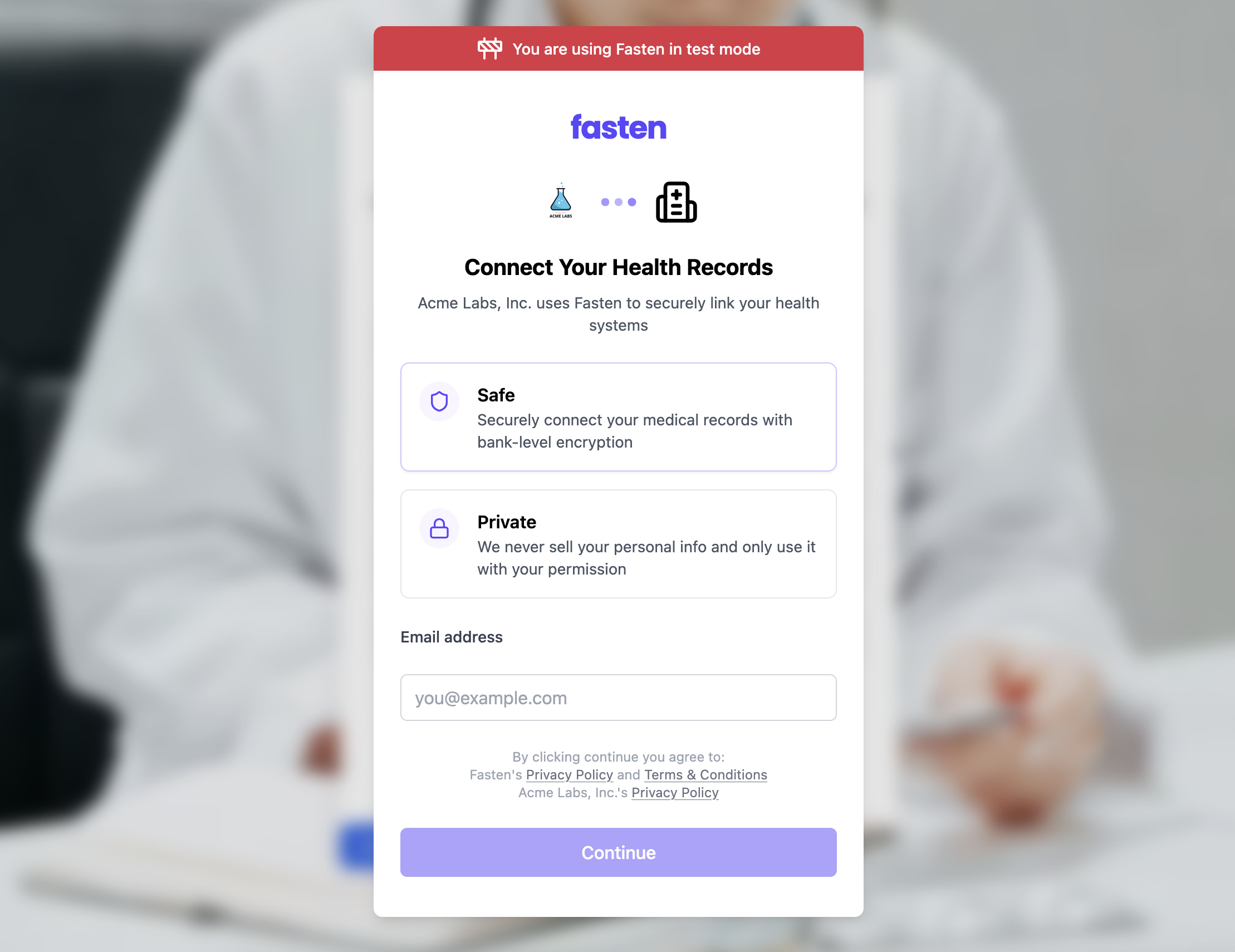
If you would like to enable TEFCA IAS mode, set tefcaMode={true}. The remaining installation steps are the same as above, just with the additional prop.
import { FastenStitchElement } from '@fastenhealth/fasten-stitch-element-react';

const CUSTOMER_PUBLIC_ID = 'public_test_...';

export function ConnectRecords() {
  return (
    <FastenStitchElement
      publicId={CUSTOMER_PUBLIC_ID}
      tefcaMode={true}
      onEventBus={(event) => {
        const payload = JSON.parse(event.data);
        console.log('Fasten event', payload);
      }}
    />
  );
}