

This documentation is for Stitch.js (v5) SDK, which is now the recommended version for integrating Fasten Connect into your application.
If you need access to the previous versions, please see v1 documentation, v3 documentation or v4 documentation.This version includes compatibility with additional runtime environments (Web, React Native, React etc), improved performance, and additional features.v5 is backwards compatible with v3 and v4 — there are no breaking changes to the public API, but we have made significant improvements to the underlying codebase and architecture. If you are currently using v3 or v4 you can upgrade to v5 without making any changes to your code.The v1 Web Component, v3 Web Component and v4 Web Component are in maintenance mode and will no longer receive updates (outside of security fixes).
Please update your code to use the new version.
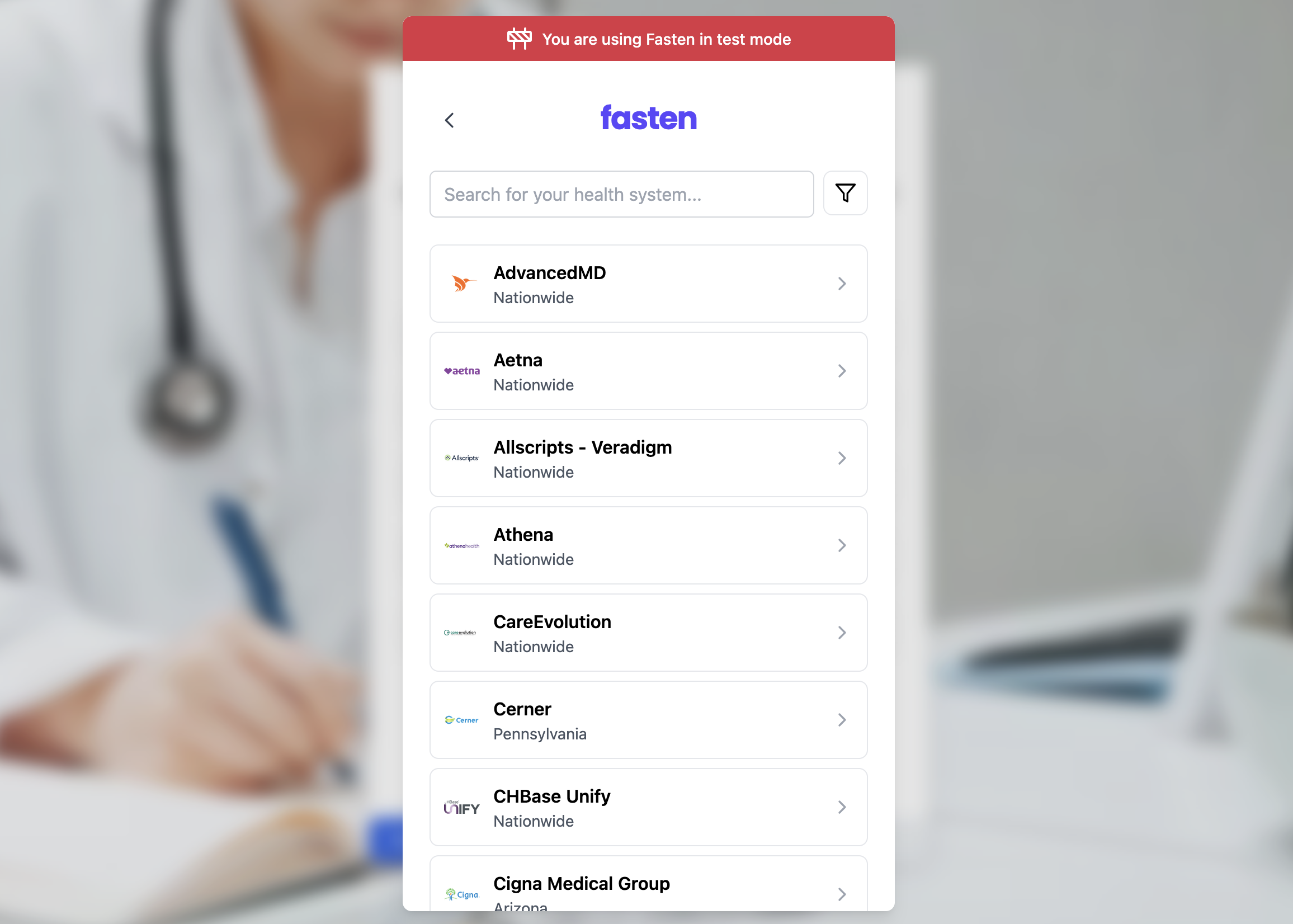
Installation
stitch.js
Installation (TEFCA Mode)
TEFCA IAS Developer Guide
When TEFCA mode is enabled, developers can access medical records without requiring the patient to search for their healthcare providers, or login to multiple portal logins.Instead the patient is prompted to verify their identity and Fasten Connect will automatically retrieve their medical records from any healthcare institution that participates in the TEFCA network.
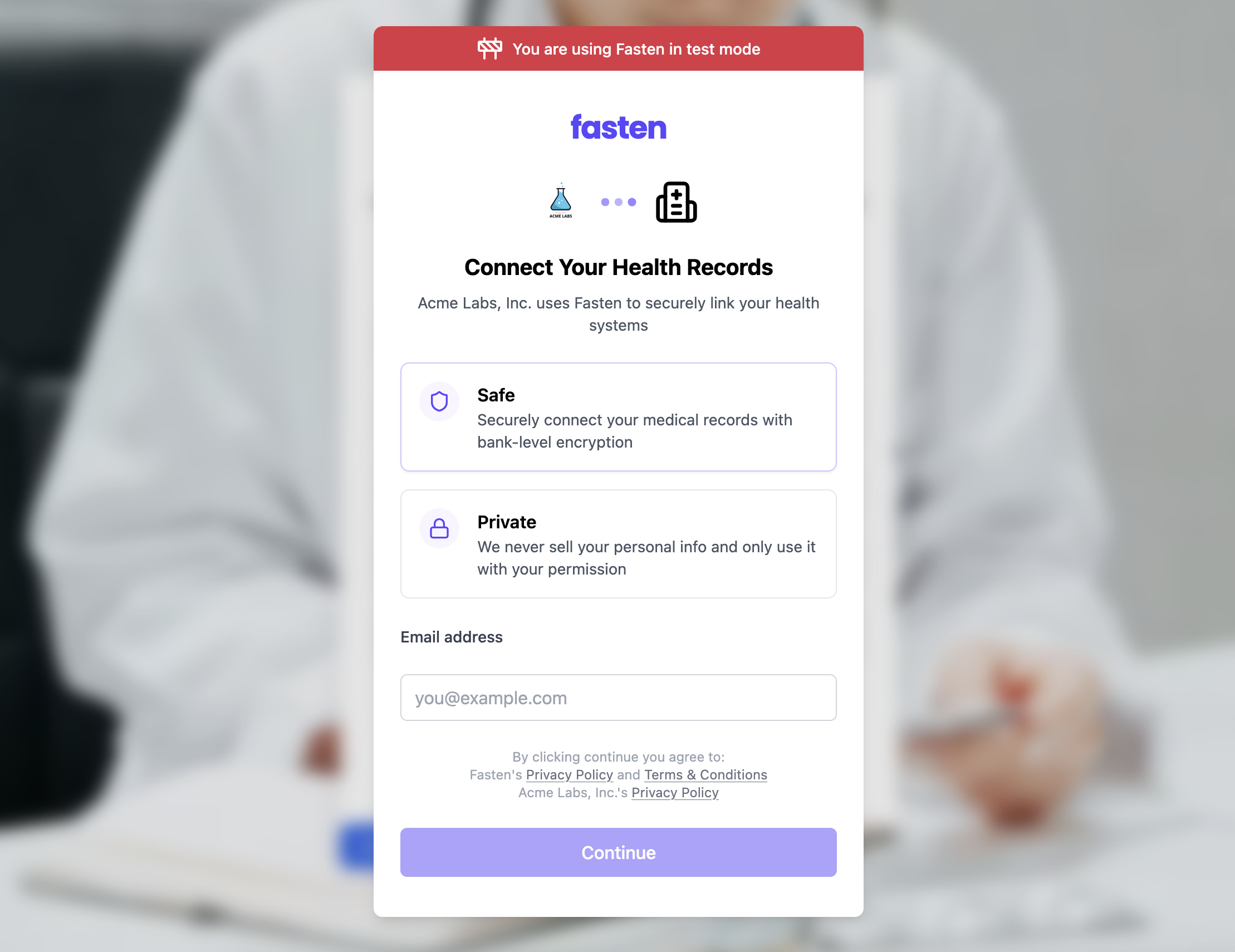
tefca-mode="true" attribute to the <fasten-stitch-element> tag.
The remaining installation steps are the same as above, just with the additional attribute.
This is intentionally designed to be as simple as possible to get started with TEFCA IAS.
stitch.js