
Customize Fasten with your brand
Branding lets you match Fasten to your own brand. You can set the theme, accent color, company name and logo by adding four parameters to the<fasten-stitch-element>. All four are optional. If you leave a parameter out, or pass a value Fasten can’t use (such as an invalid hex code or a broken logo link), Fasten uses its default for that parameter.
Quick start
Add the parameters you need as attributes on the element:Preview customisations
- Default
- Custom logo
- Custom accent color
- Dark theme
With no branding parameters, the widget uses the Fasten logo, Fasten accent color, and light theme. The company name comes from your developer portal settings.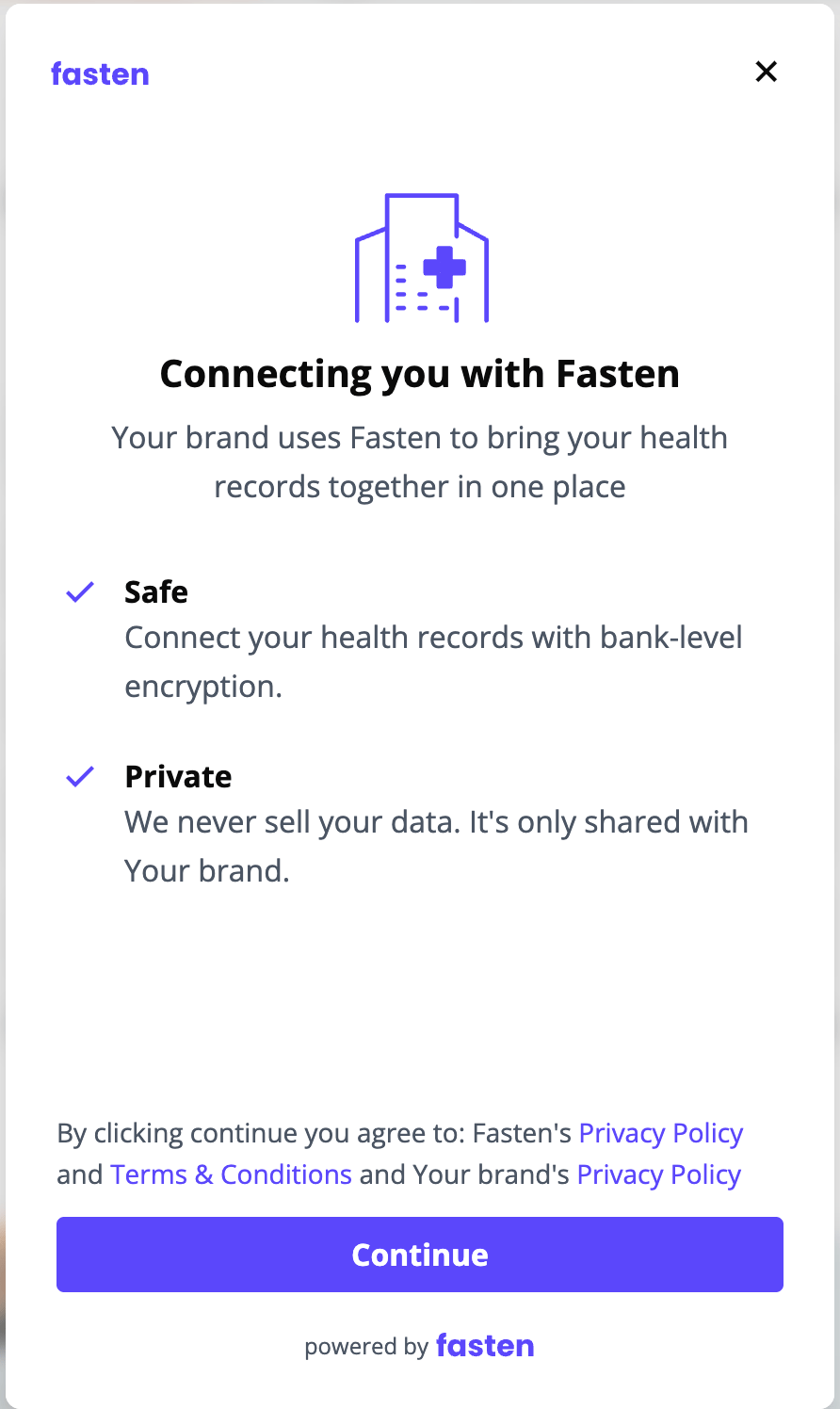
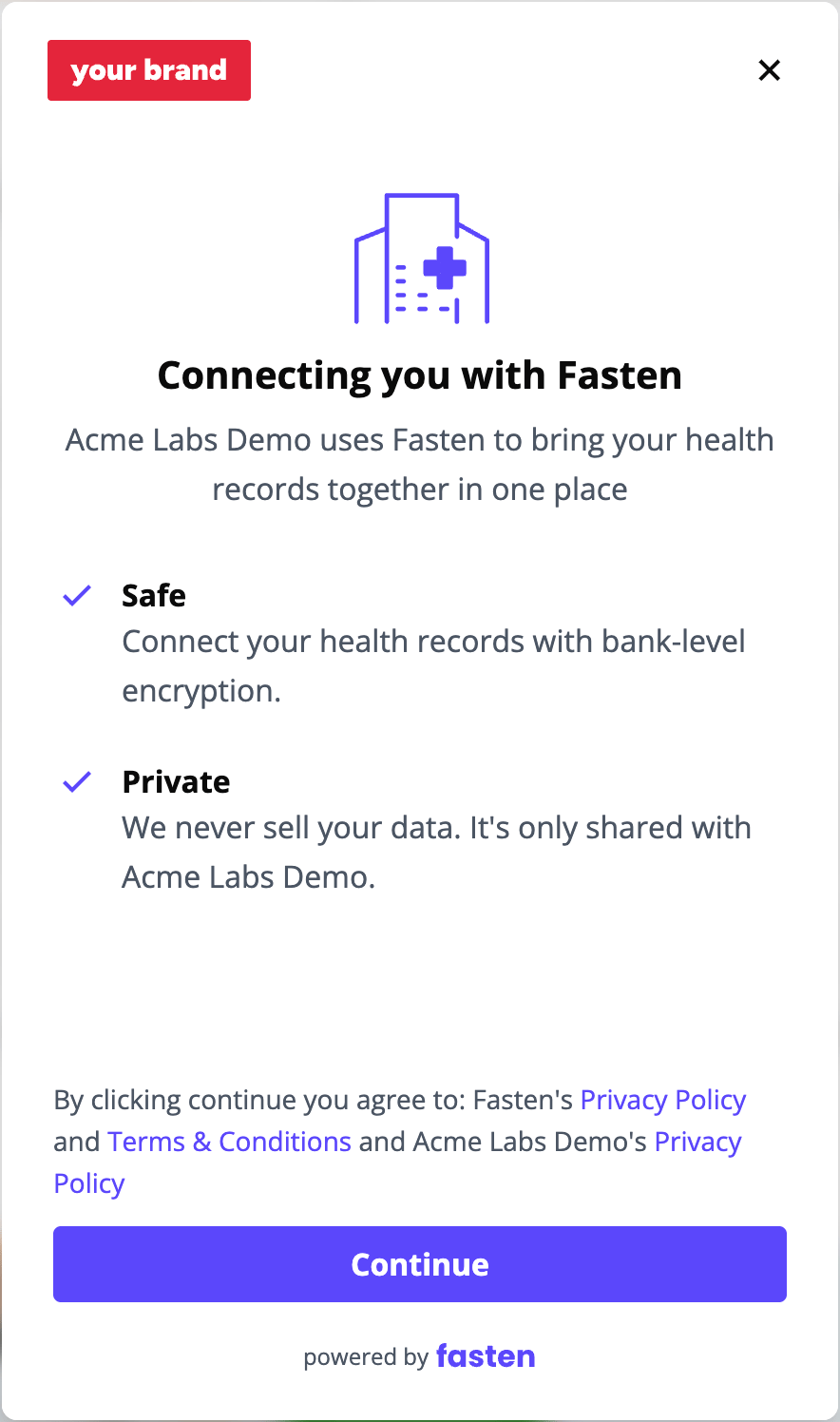
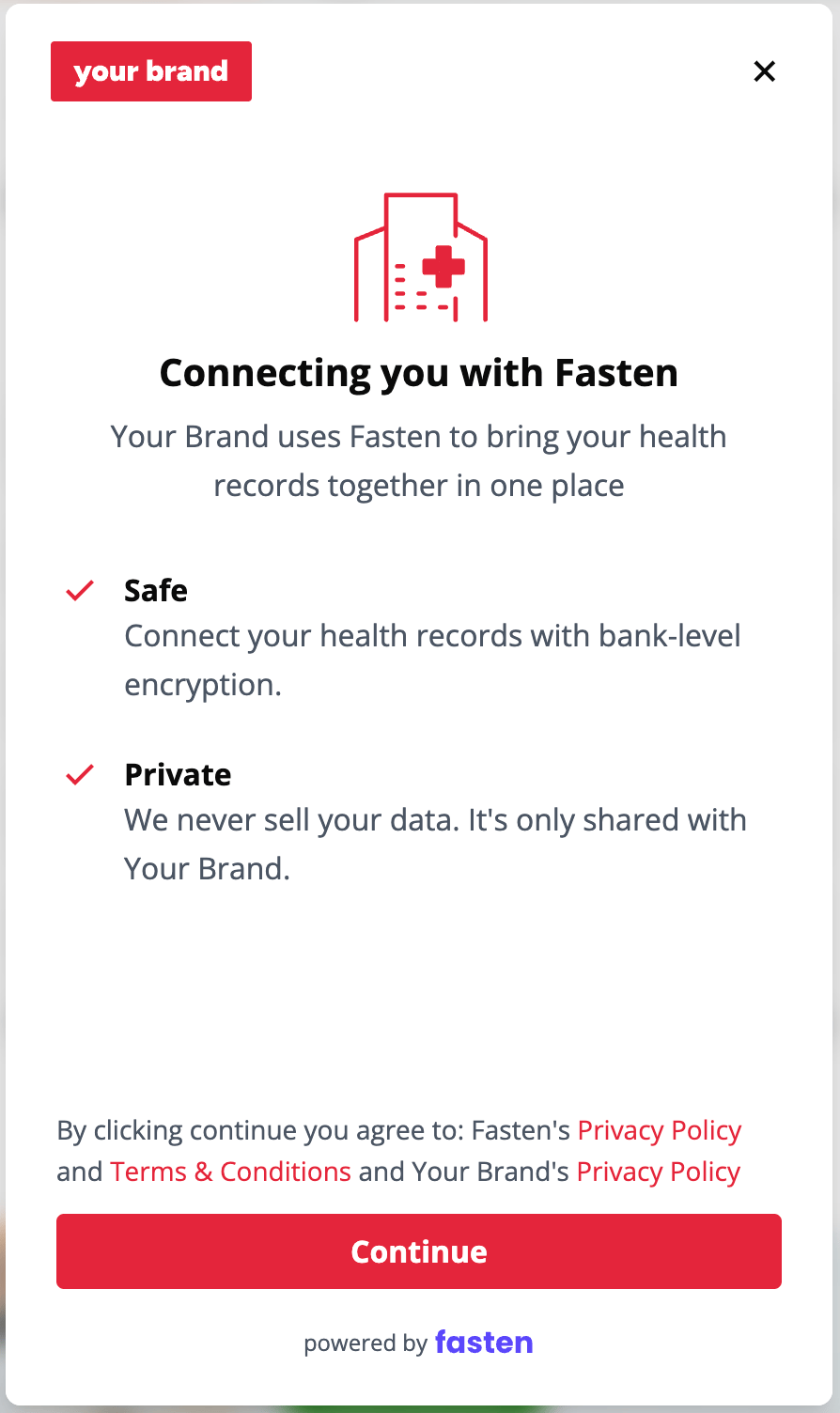
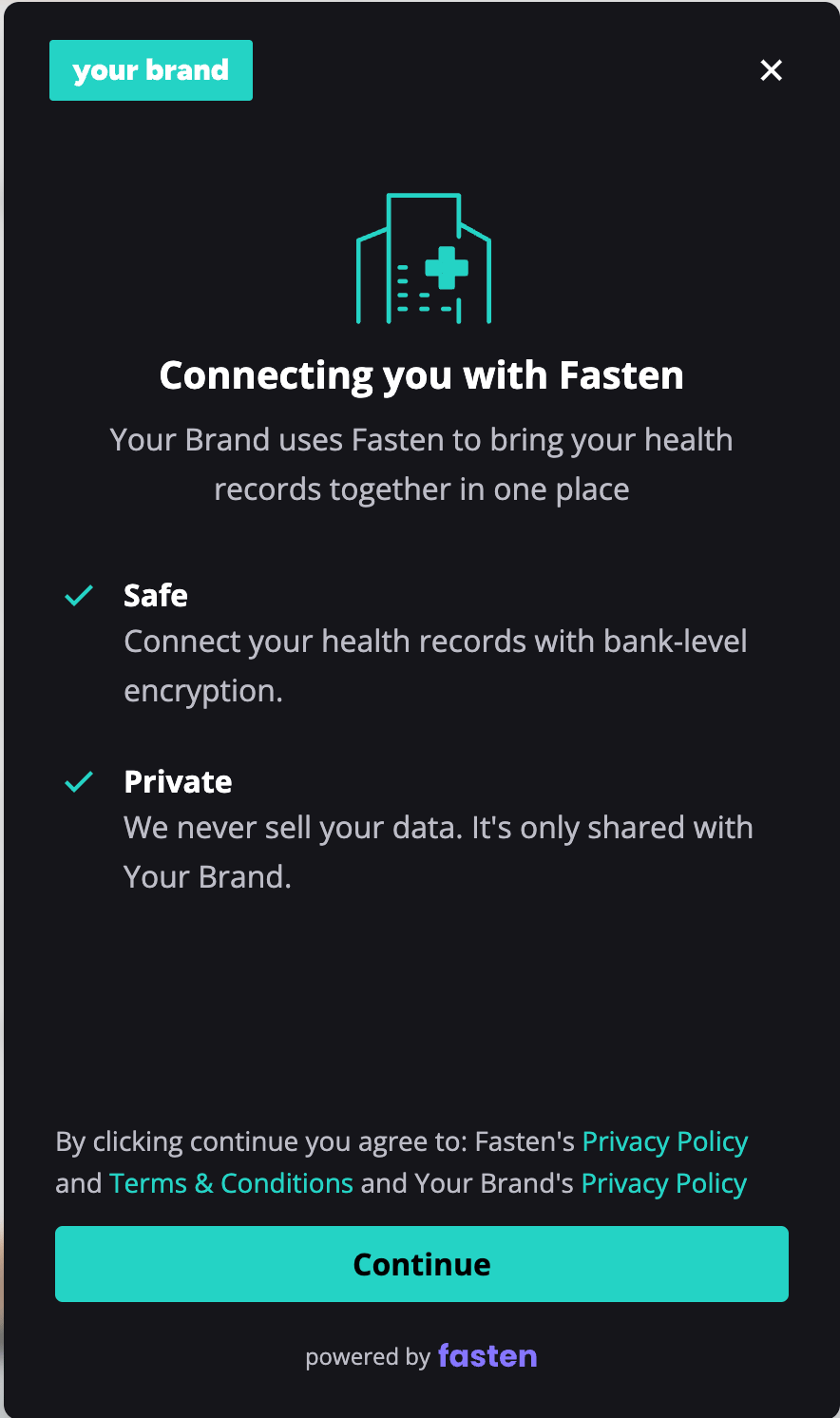
Theme
branding-theme sets the theme for the whole application.
light(default): a light theme with a white background (#FFFFFF).dark: a dark theme with a dark background (#15151A).
Accent color
branding-accent-color replaces the Fasten brand color across the application. It’s used for highlights, calls to action, interactive elements, icons and illustrations. Pass it as a hex code, including the #.
Check your color’s contrast
Your accent color appears as text on the page background, and as a background behind text. People with low vision need enough contrast to read both. Before you go live, check that your color meets a contrast ratio of at least 4.5:1 for every pairing listed for your theme.
You can check each pairing with a contrast checker such as the WebAIM Contrast Checker. If a pairing falls short, adjust the lightness of your color until it passes. Small changes are often enough.
Company name
By default, the welcome and done screens use the company name you set up in the developer portal. Setbranding-company-name to override the displayed name for that widget without changing your developer portal settings.
This makes it easier to customise the widget for different branches or brands under one company umbrella. For example, if your company operates several clinics, you can pass each clinic’s name so people see the name they recognise when connecting their records. Leave the parameter out to use the company name from the developer portal.
Logo
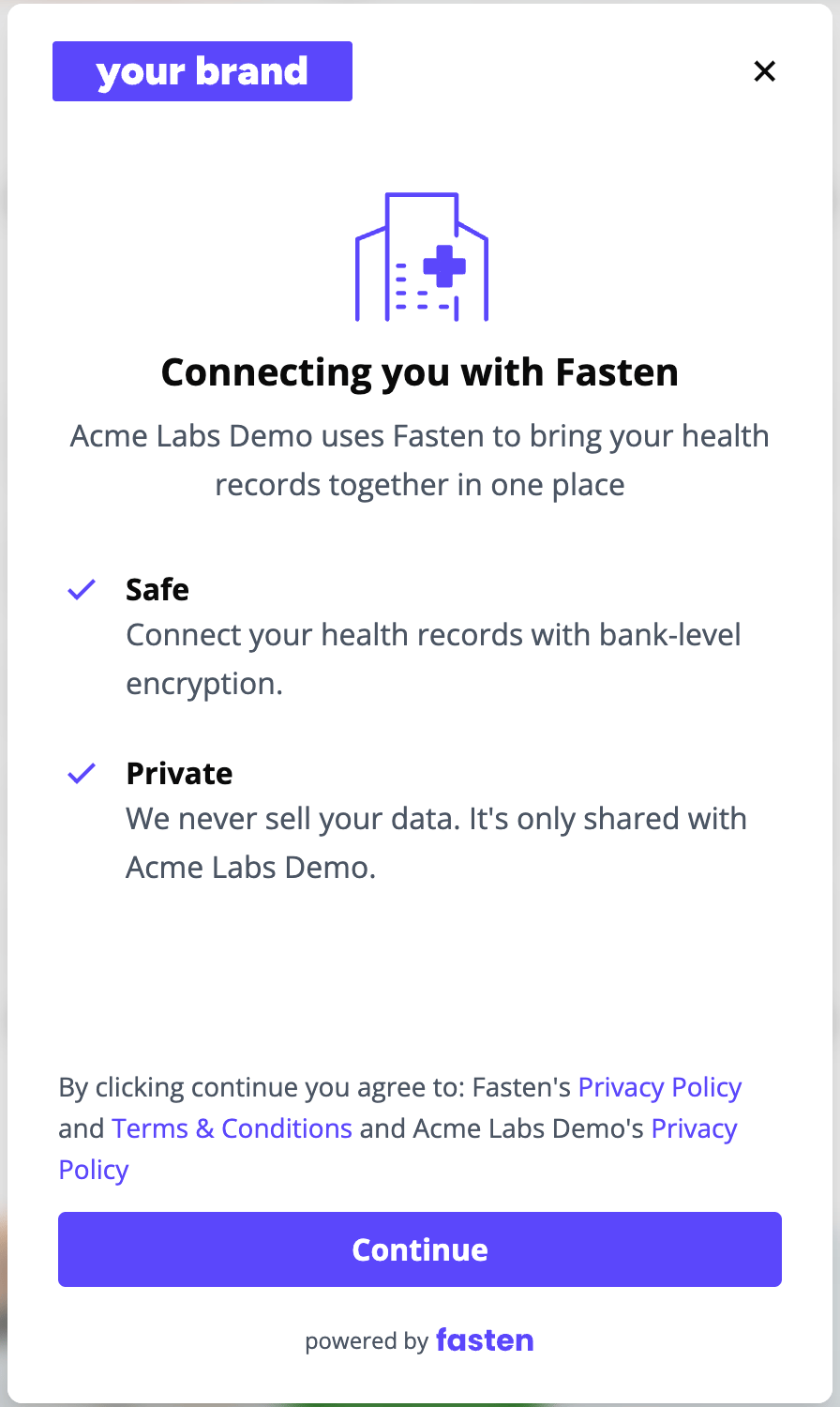
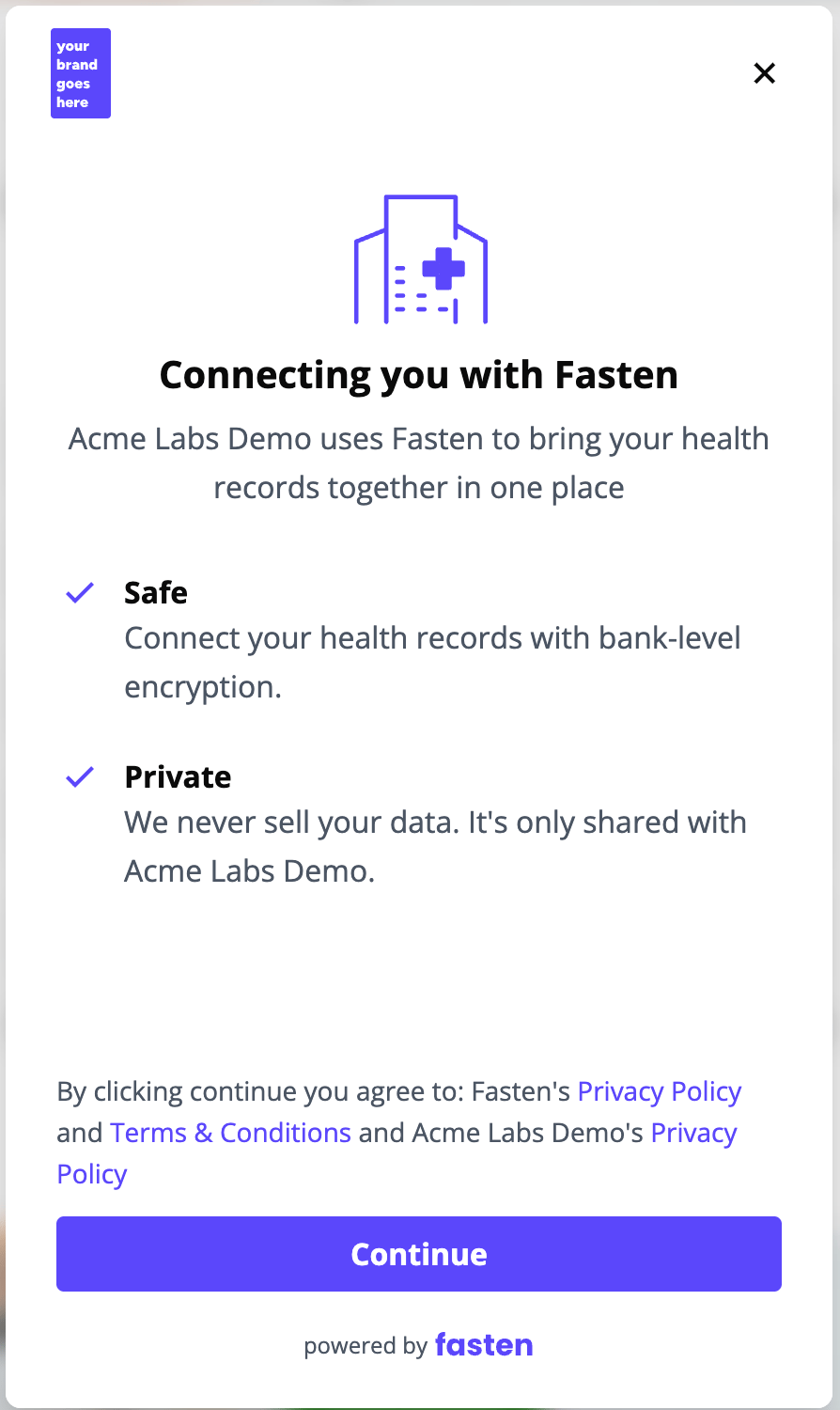
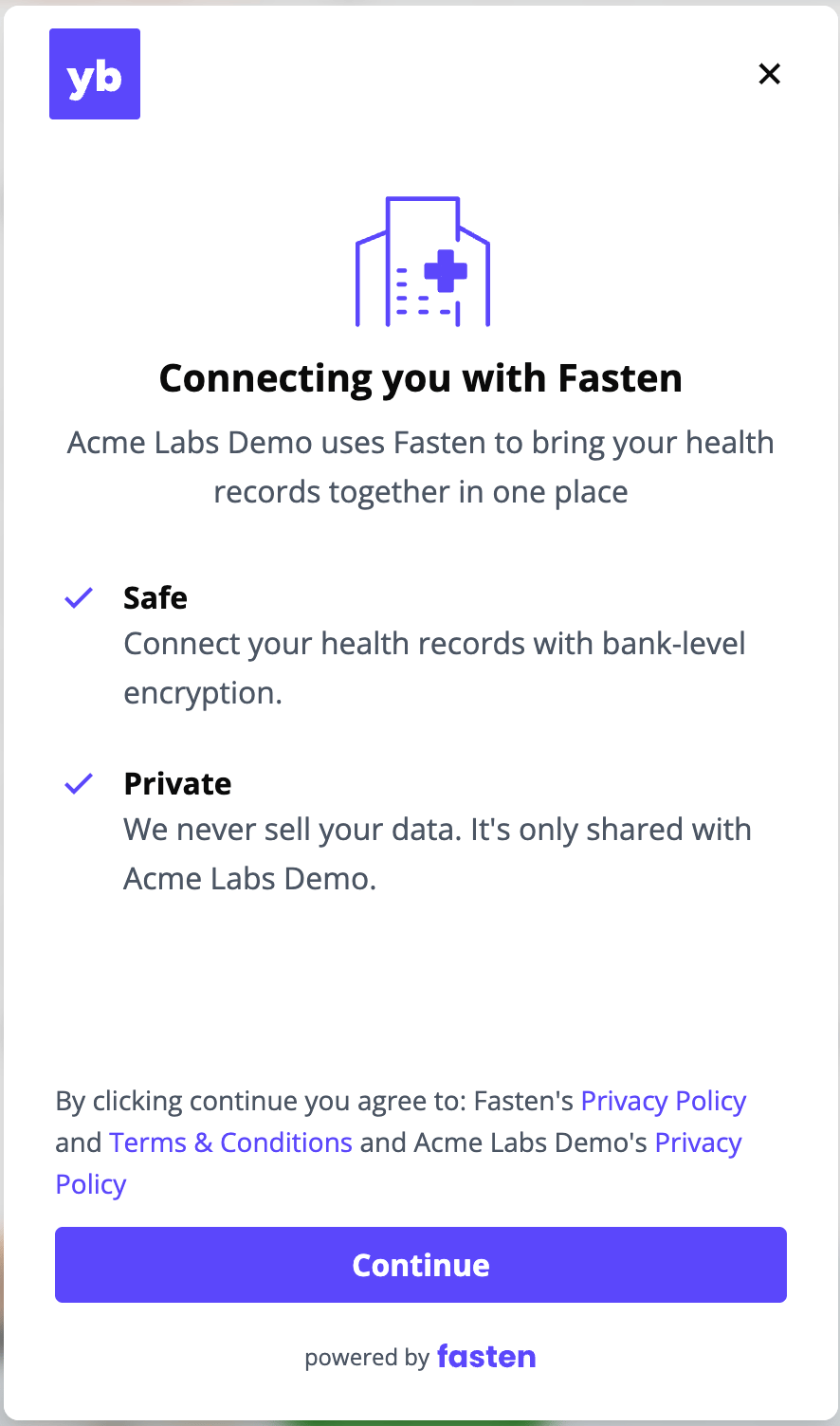
branding-logo-url replaces the Fasten logo in the top left of every screen. Pass a link to your logo file.
File format
- SVG (recommended): stays sharp at any screen resolution.
- PNG: use a transparent background and export it at twice the size it will be displayed, so it stays sharp on high-resolution screens.
Size
For a PNG, these are display sizes. A square logo, for example, should be exported at 96px × 96px.
Preview logo shapes
Compare how landscape, portrait, and square logos appear in the top left of the widget.- Landscape
- Portrait
- Square
A wide logo displays your brand name horizontally.